





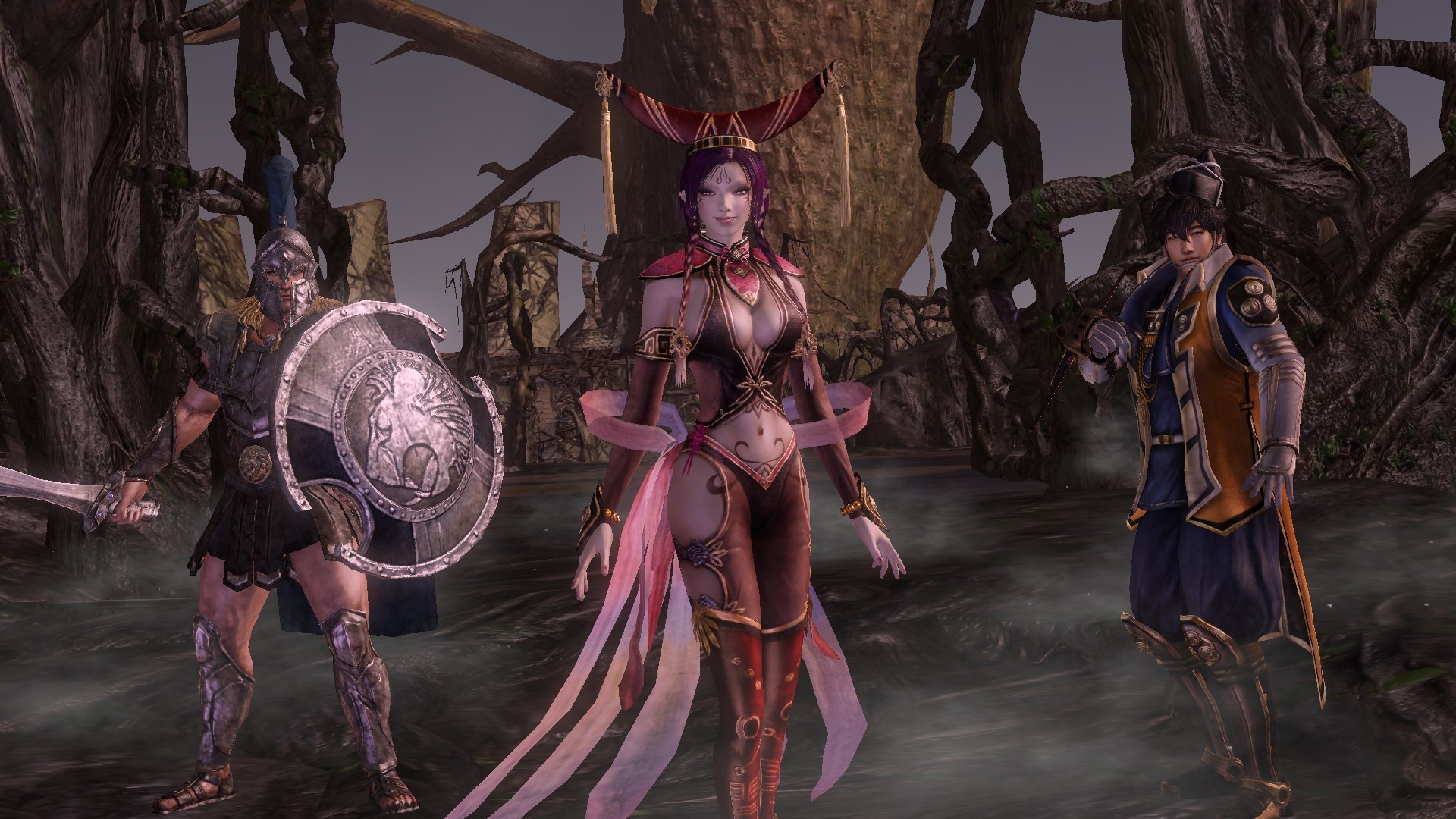
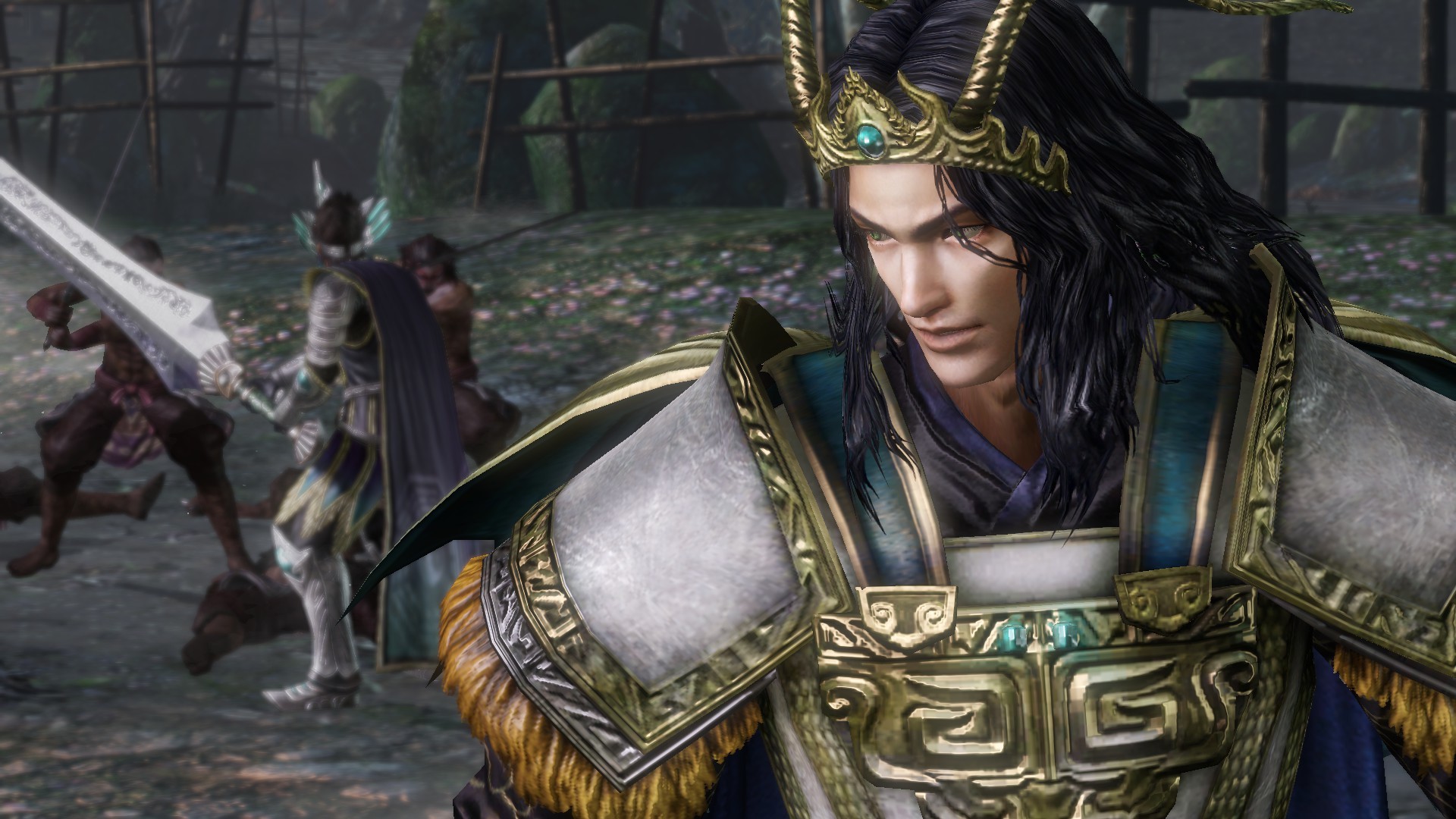
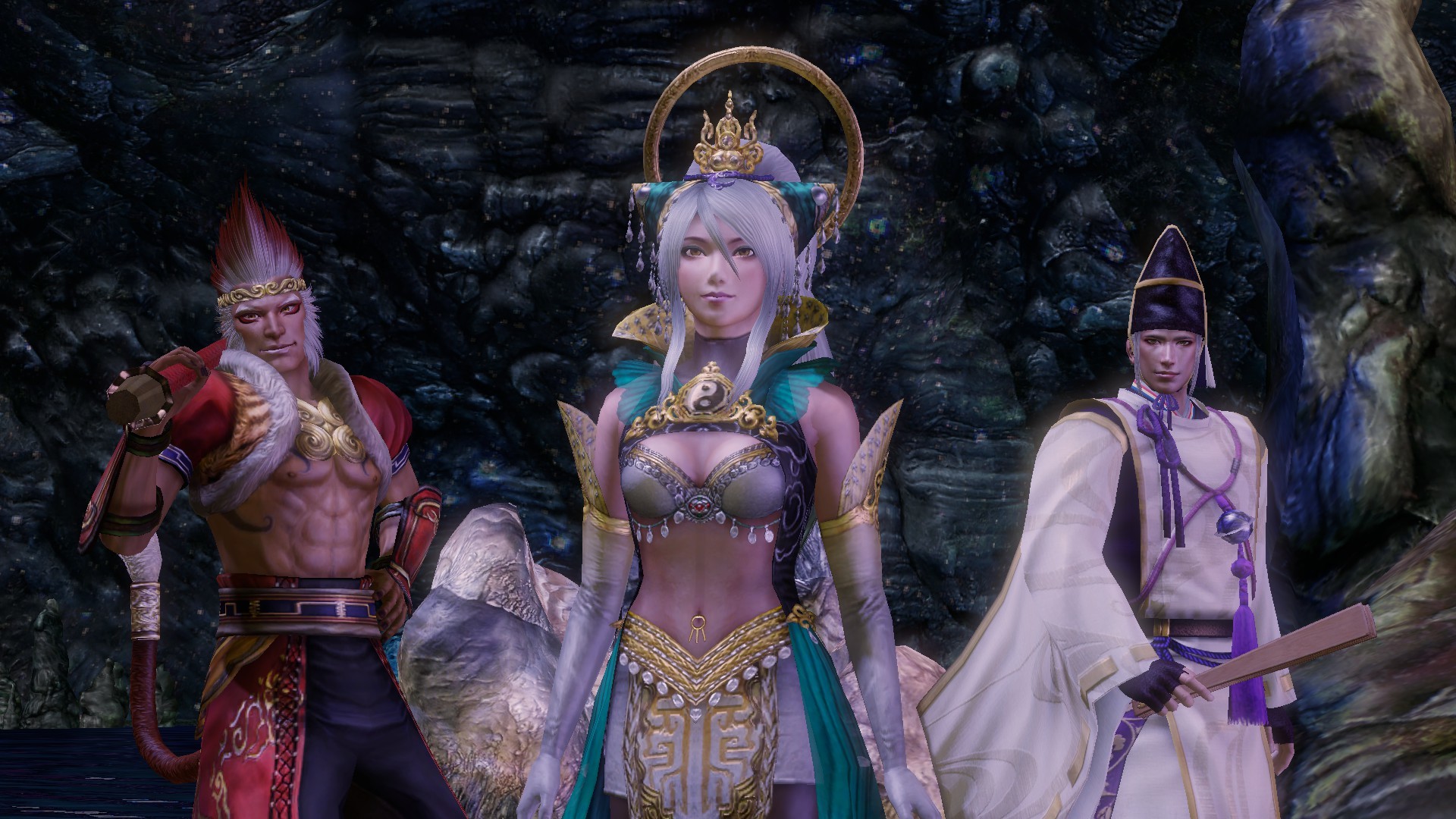
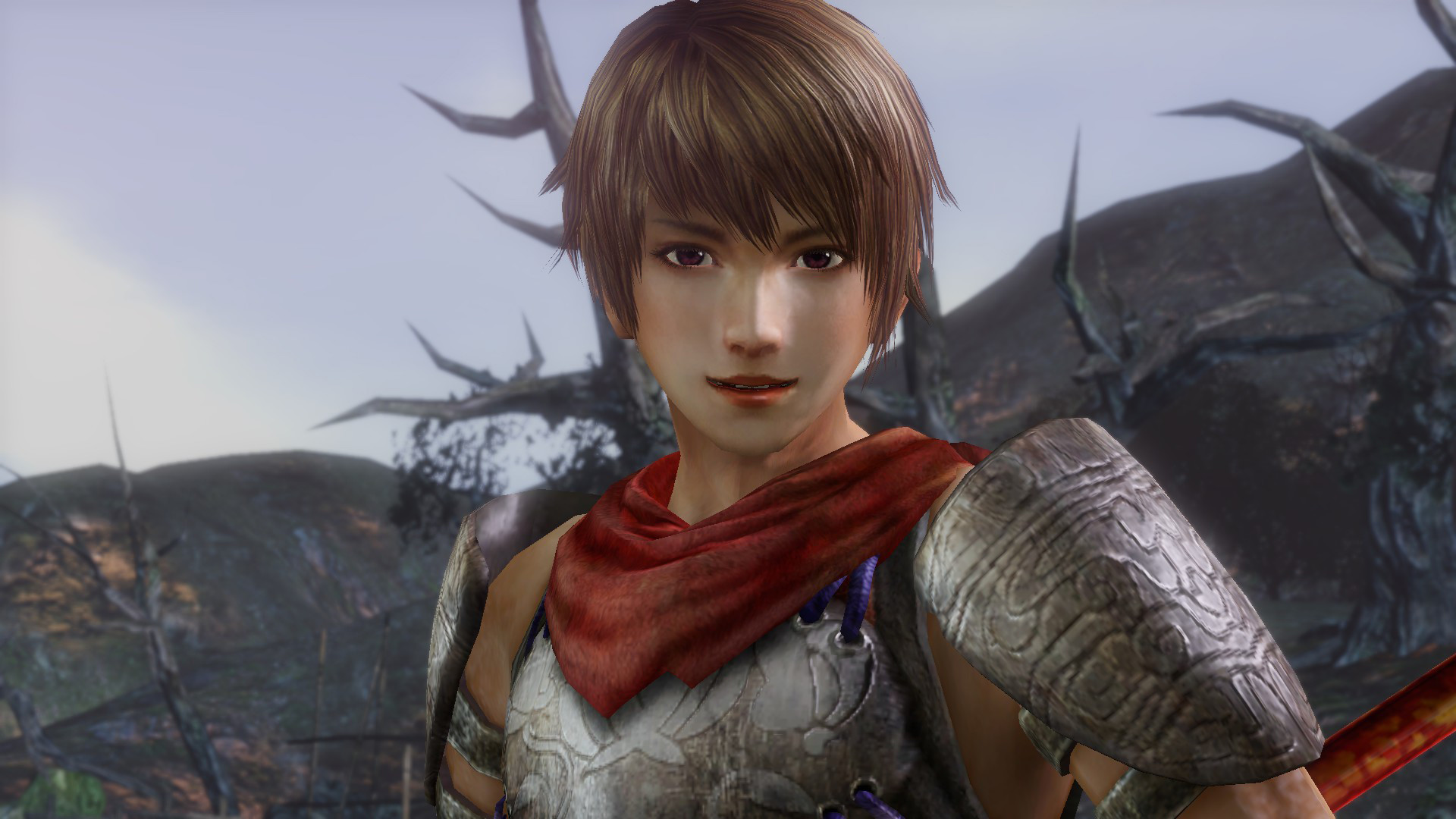
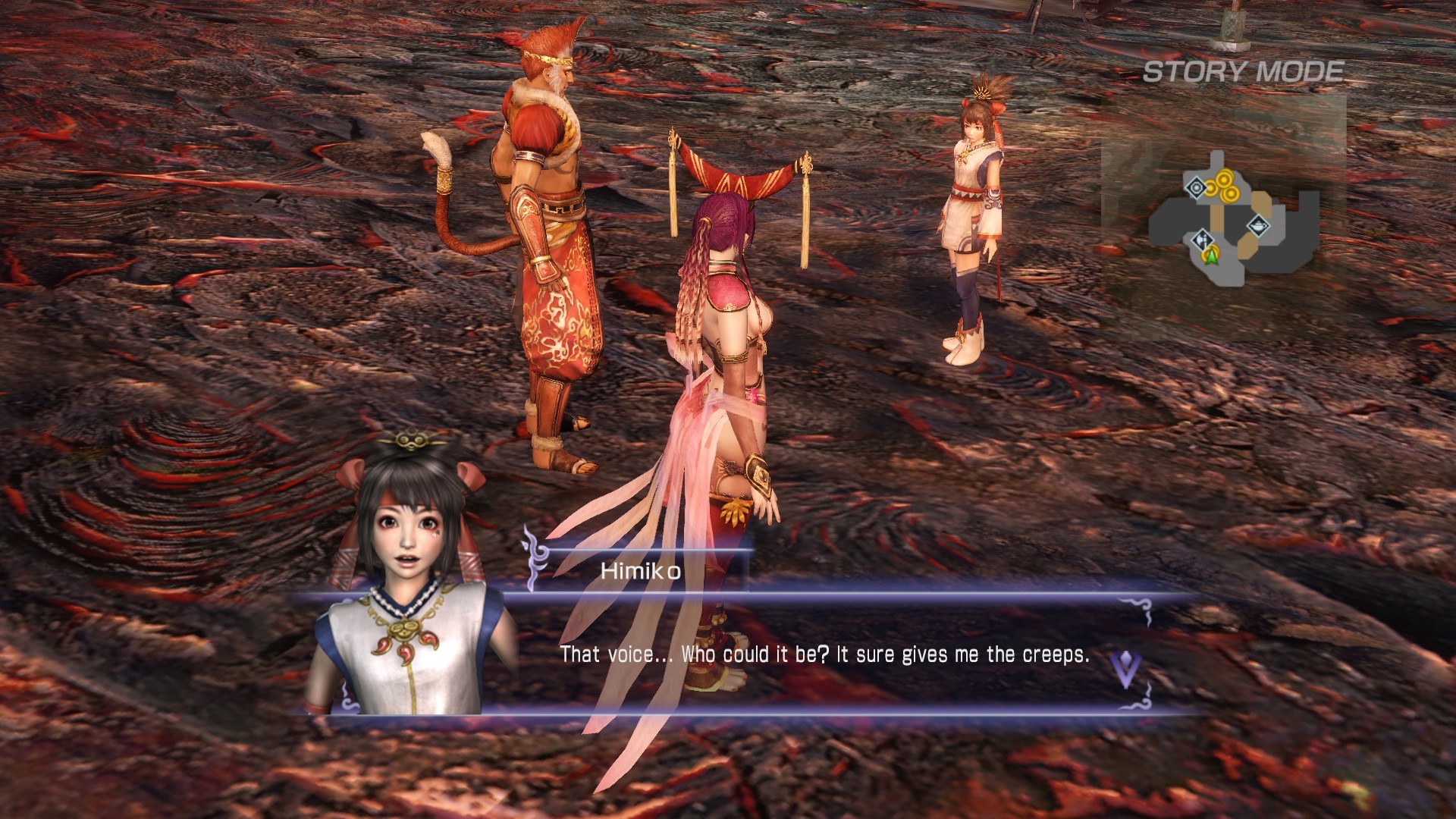

WARRIORS OROCHI 3 Ultimate Definitive Edition
Çıkış Tarihi: 12.07.2022
Diller: English, Traditional Chinese, Japanese ...
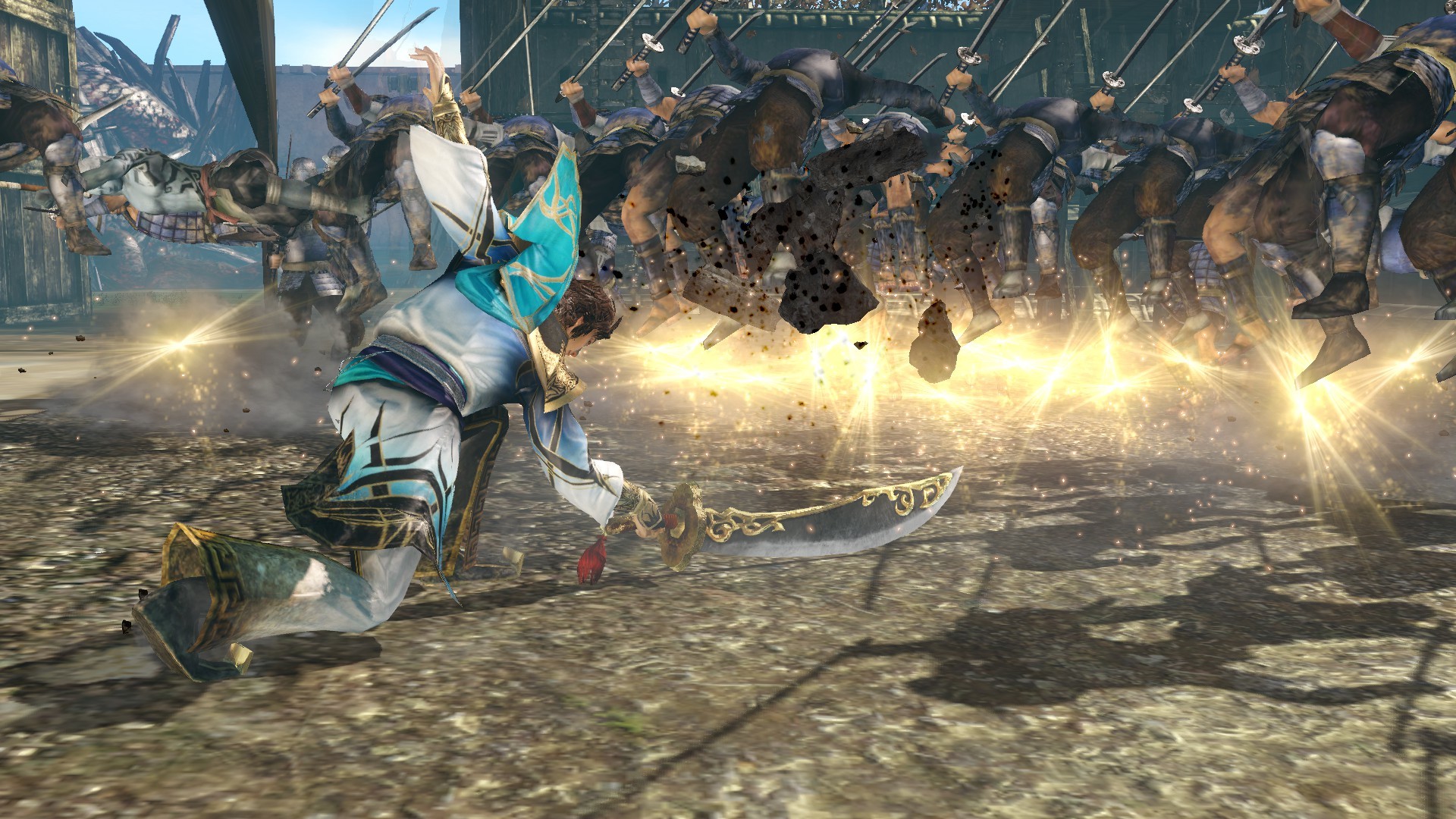
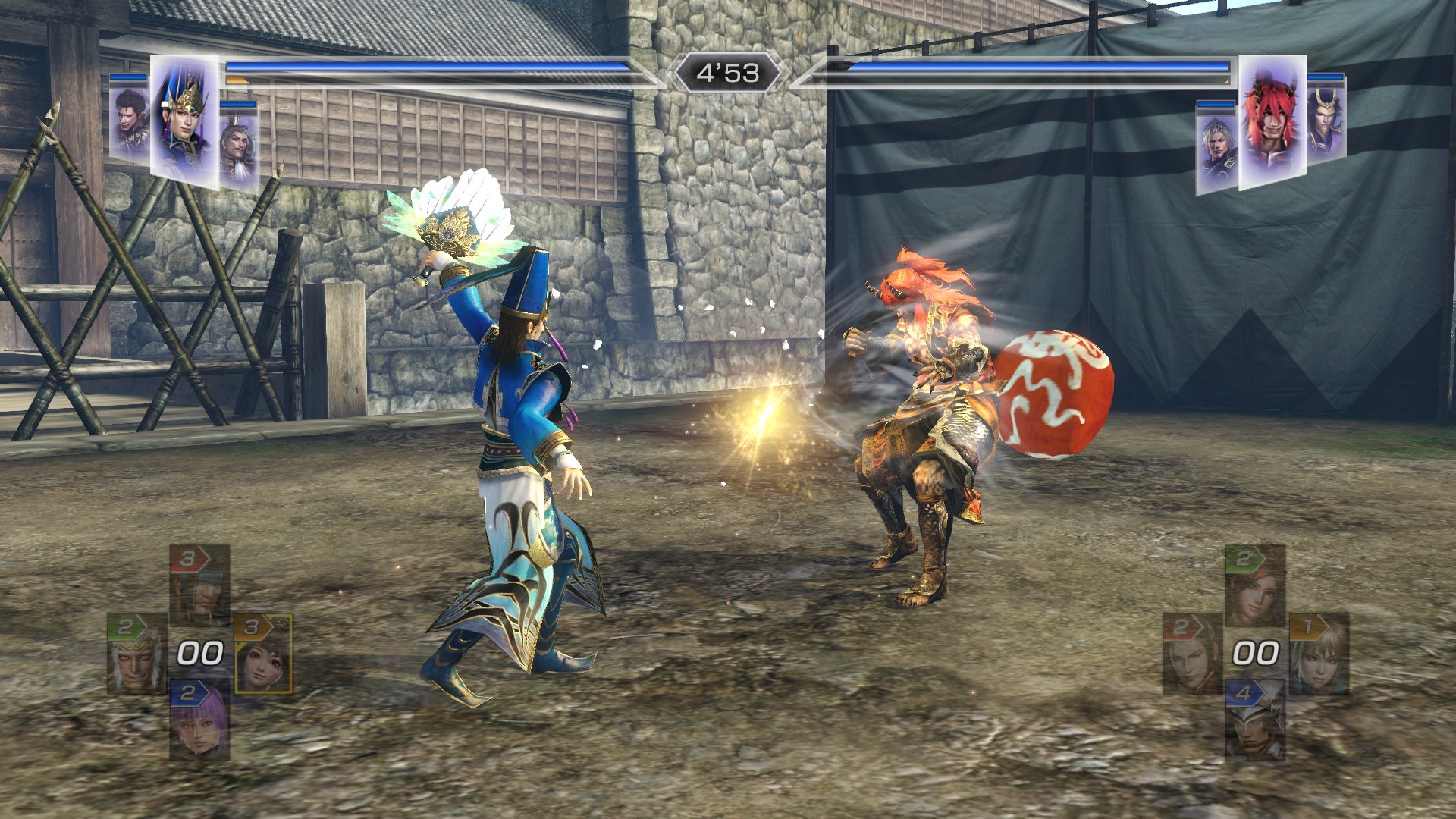
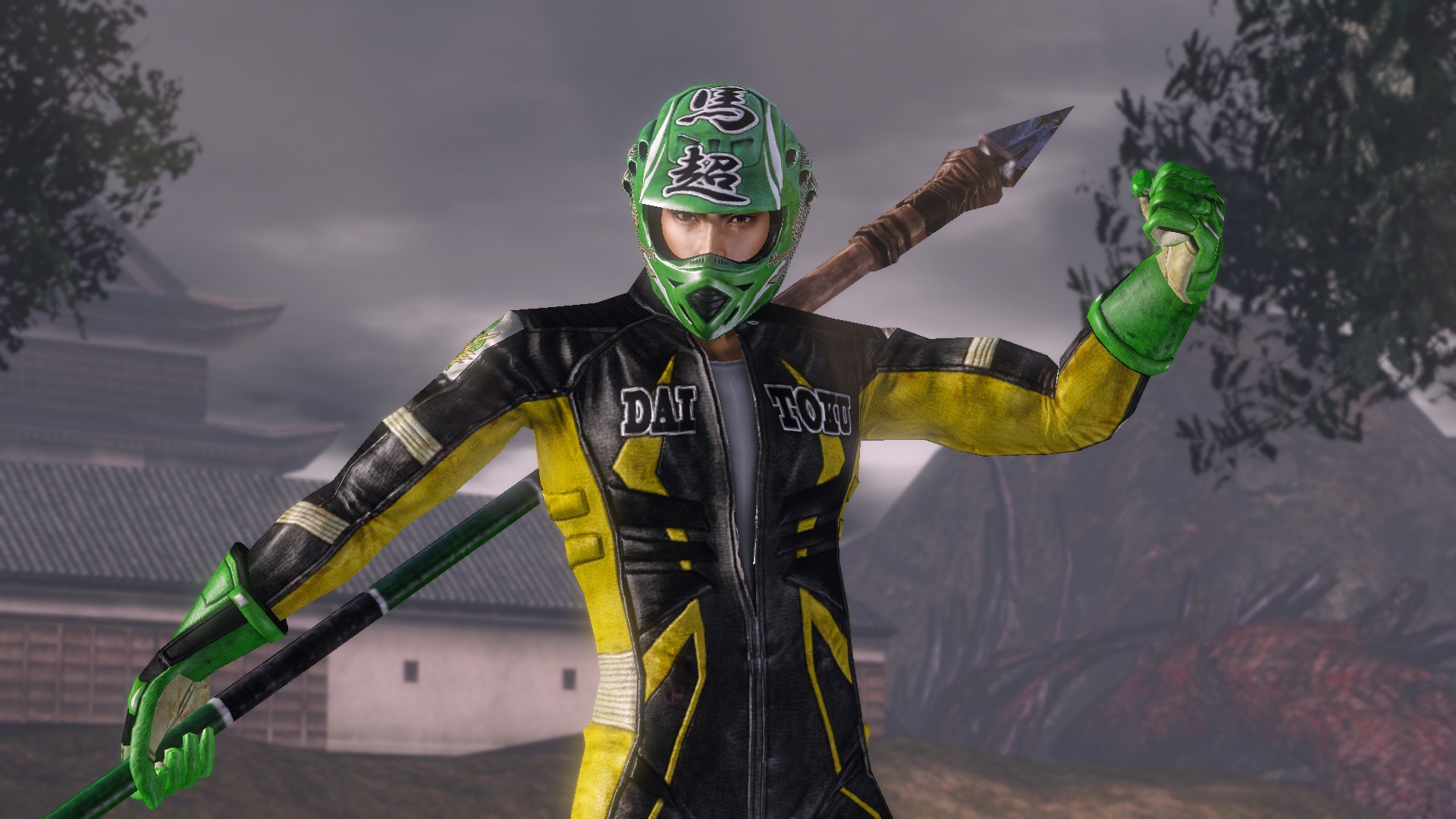
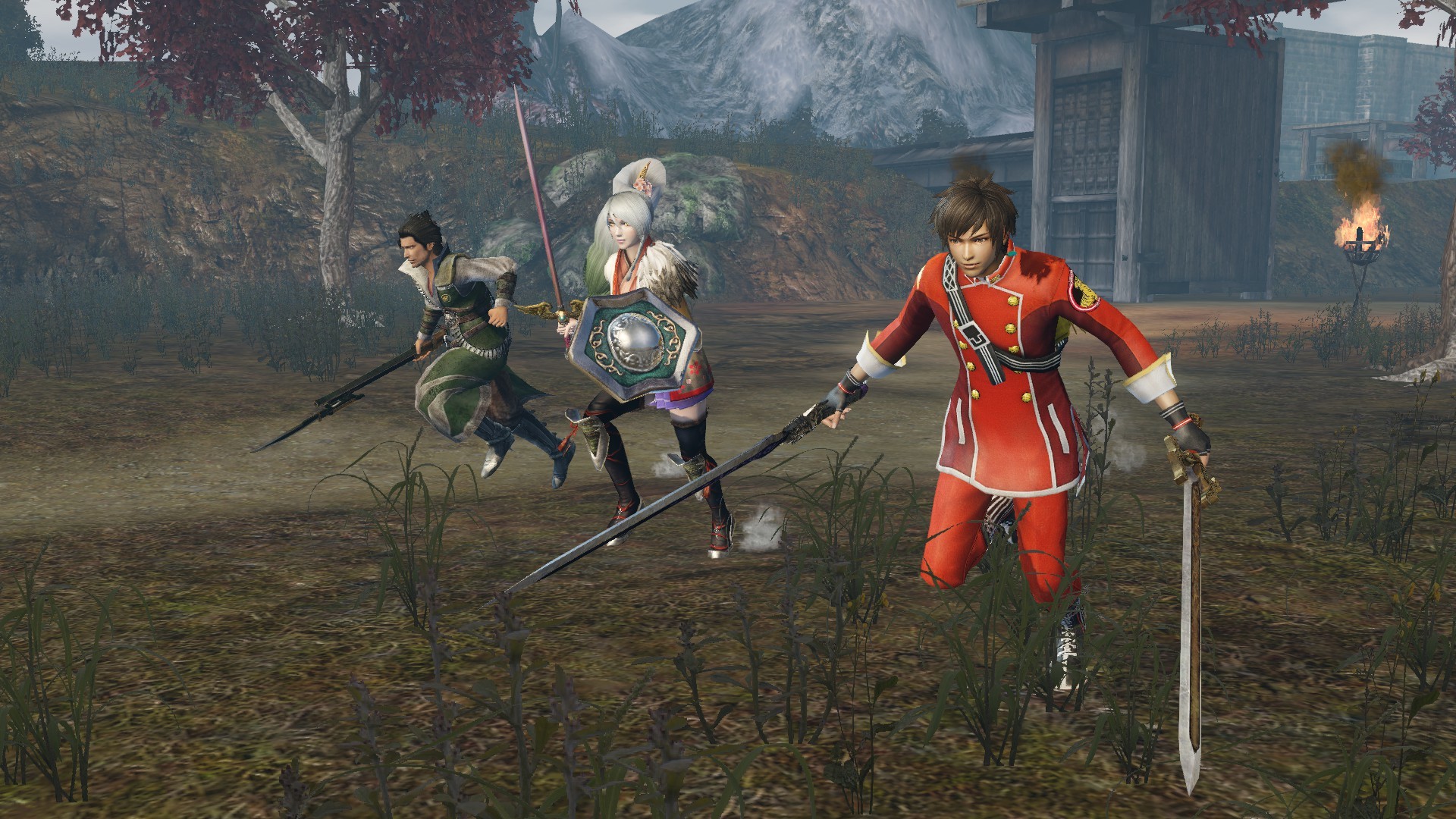
Gerçekten de en iyi "WARRIORS OROCHI 3" artık Steam'de! Tüm "WARRIORS OROCHI 3" içeriği, hikayeye derinlik katan yeni karakterler ve bölümler, yeni modlar, ayrıca diğer platformlar için önceden çıkan DLC ile Orochi dünyasının keyfine doyasıya varın!
EnUcuzOyun'da en ucuz WARRIORS OROCHI 3 Ultimate Definitive Edition fiyatını bulmak için bilgisayar oyun fiyatlarını karşılaştır, en uygun fiyatlı WARRIORS OROCHI 3 Ultimate Definitive Edition PC oyun keyini hangi siteden satın alabileceğini öğren. Aynı zamanda WARRIORS OROCHI 3 Ultimate Definitive Edition oyununun sistem gereksinimlerini, oyuna ait Kick yayınlarını ve oyunun oynanma istatistiklerini yine sitemizin oyun sayfalarında incele.Oyun Fiyatları



WARRIORS OROCHI 3 Ultimate Definitive Edition yayınları
Sistem Gereksinimleri
Minimum Sistem Gereksinimleri:
Minimum:
Requires a 64-bit processor and operating system
OS: Windows® 10, Windows® 11, 64bit
Processor: Intel Core i3-4170 or over
Memory: 4 GB RAM
Graphics: NVIDIA GeForce GTX 650 or over, Radeon HD 7750 or over
DirectX: Version 11
Network: Broadband Internet connection
Storage: 25 GB available space
Sound Card: 16 bit stereo, 48KHz WAVE file can be played
Additional Notes: Set the graphics quality to Low from "Graphics Settings". This will automatically adjust the settings @ 1280x720. ※If you are using Windows® 11, the system requirements for Windows® 11 apply.
Önerilen Sistem Gereksinimleri:
Recommended:
Requires a 64-bit processor and operating system
OS: Windows® 10, Windows® 11, 64bit
Processor: Intel Core i7 3770 or over, AMD Ryzen 3 1200 or over
Memory: 8 GB RAM
Graphics: NVIDIA GeForce GTX 760 or over, Radeon RX 470 or over
DirectX: Version 11
Network: Broadband Internet connection
Storage: 25 GB available space
Sound Card: 16 bit 5.1ch surround, 48KHz WAVE file can be played
Additional Notes: Set the graphics quality to High from "Graphics Settings". This will automatically adjust the settings @ 1920x1080. ※If you are using Windows® 11, the system requirements for Windows® 11 apply.
Yorumlar